How do I resolve an error message when uploading?

DASLA
Member Posts: 2 Newcomer
When I attempt to upload my Tax Year 2025 Consolidated Form 1099.pdf
I get this message:
Oops! Something went wrong. If you continue to have trouble, sign out of your account, then sign back in.
I've logged out,tried different networks etc.
Any ideas on how to resolve this?
Tagged:
0
Answers
-
Hello DASLA,
If you are receiving an error message in your account you will want to contact our customer service team from within your account. That way they will be able to see your account information and help you with specifics.
Generally, the file needs to be in a specific format (PDF) and less than 30MB for the software to be able to upload it.0 -
Please provide me with the support link to use from within my account.
The file is a PDF and is of the correct size.
I uploaded it successfully during the dividends section. It is at the very end when I attempt to submit my return that te file won't upload.
Thank you.
0 -
Hi DASLA,
Our support options are in the upper right hand corner of the screen once you are logged in. See screenshot below
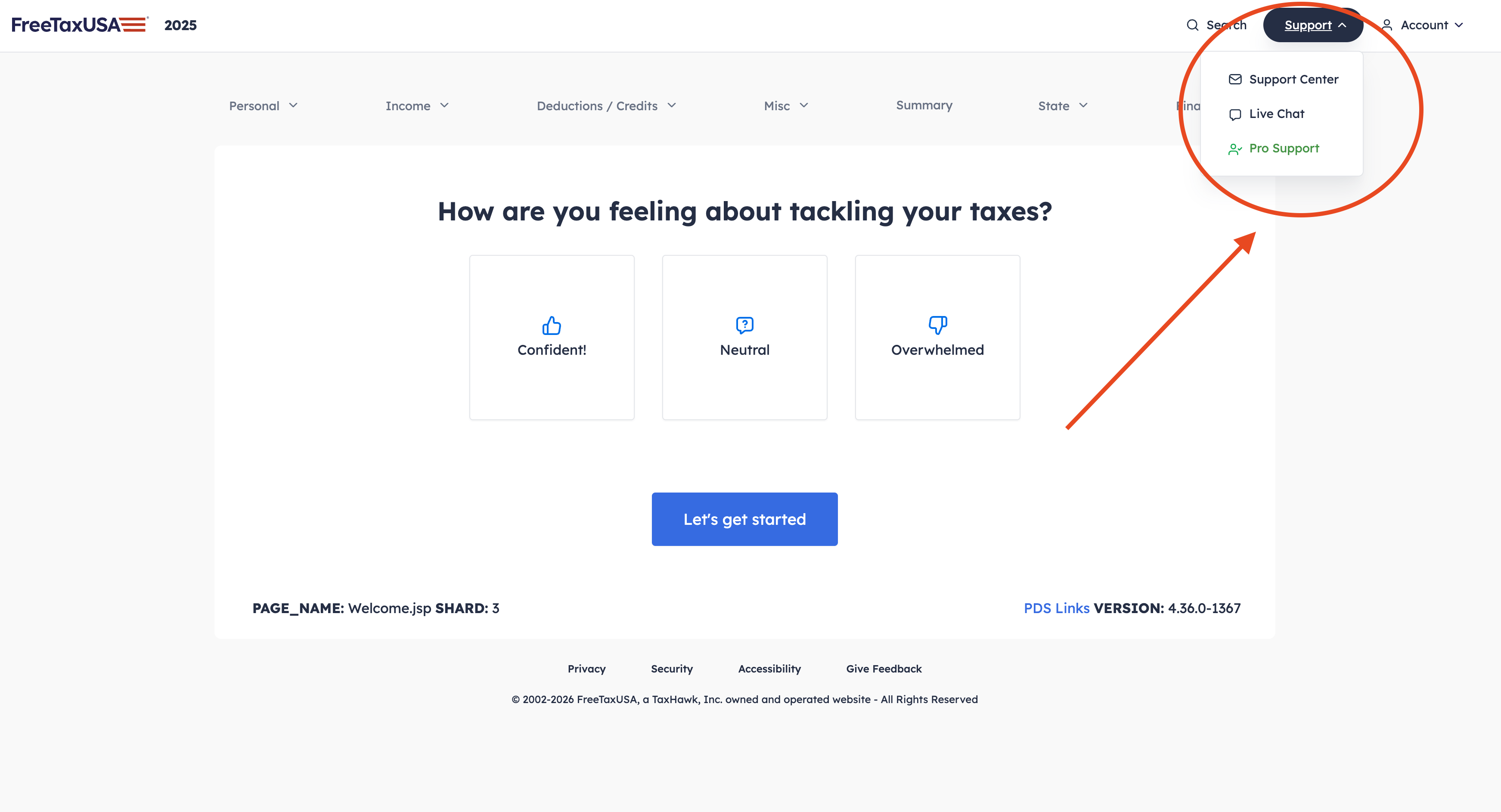 0
0


